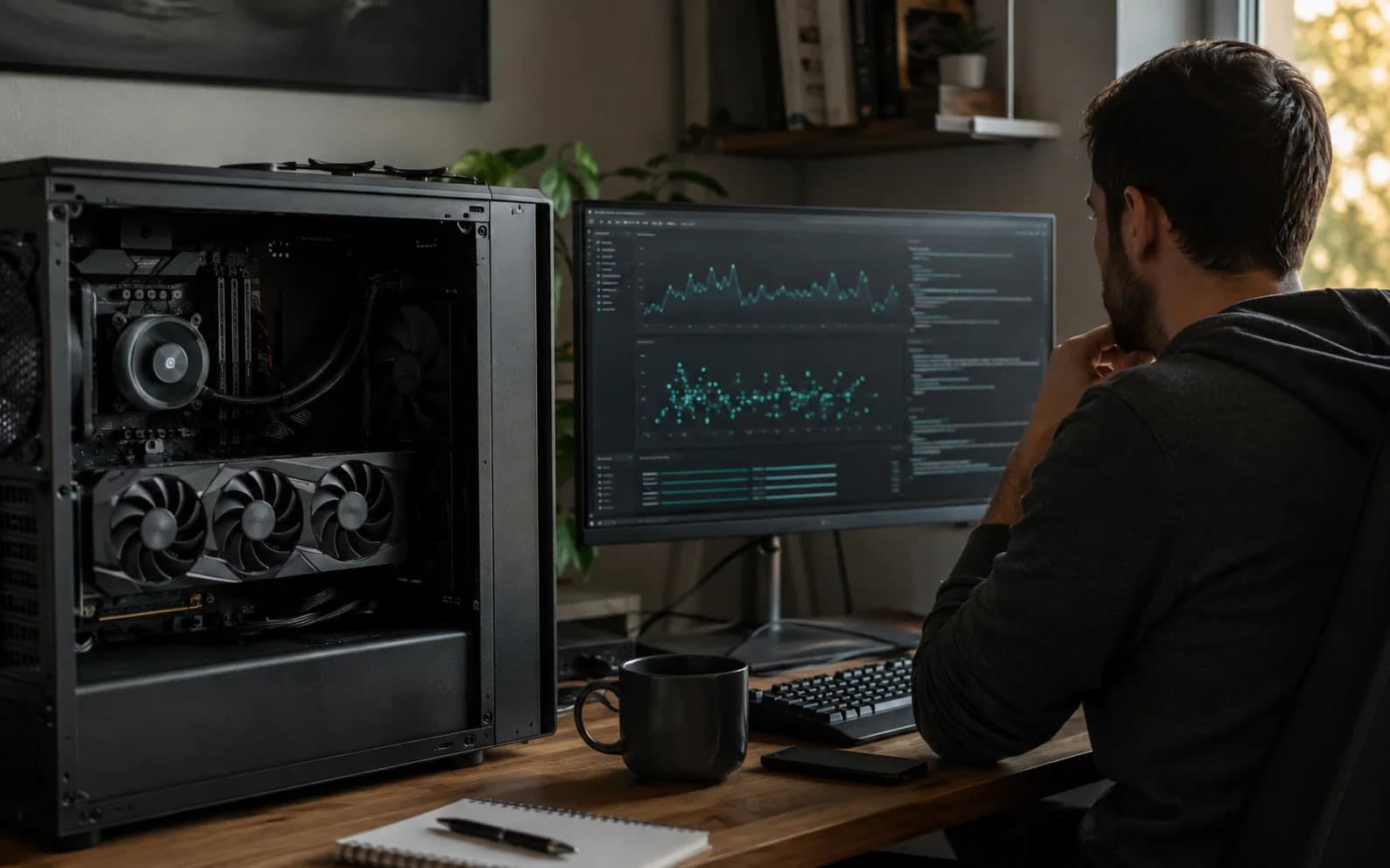









Find out what your GPU can actually run.

VRAM Check measures local AI performance on your machine and turns the run into a practical report: real speed, model fit, and the first upgrade that changes the result.

Runs on your hardware No account required Publishing is optional
Measured GPU runLive field · #1
HardwareNVIDIA GeForce RTX 5090
RegionItaly
Measured decode785.1tok/s
Prompt processing42207 tok/s
First token10 ms
ComparisonCanonical profile
Measured locally. Ranked only after verification.Open result
113public runs preserved
1GPUs in the field
152models in the catalog
v0.2.0SHA256 51b208df0c75Verify release

A score is useful. A decision is better.

The report keeps measurement and recommendation separate, so you can see what happened before VRAM Check explains what it means.

Performance

How fast is local inference on this machine?

Decode, prompt processing, first-token latency, and repeatability come from a real local run.

Compatibility

Which model sizes are practical today?

The report maps measured hardware and memory headroom to model-fit guidance without disguising estimates as facts.

Next move

What becomes the limit, and what changes it?

See whether VRAM, compute, or latency is holding the system back before spending on an upgrade.

Know what you are downloading before you run it.

Windows users can install through Microsoft Store. Direct releases remain available with published checksums, while macOS and Linux keep their own verified platform paths.

Windows distributionMicrosoft Store v0.3.0 · 9NG6WSSC5H3Z
Direct artifactvramcheck-windows.exe
Direct releasev0.2.0 · Windows x64
SHA25651b208df0c752ca26b3041b69d46e42576950db8691b0d06b1cd6d6bc018b1d4

Checksum matching proves the file you received is the file VRAM Check published.

Your hardware can give you a real answer.

Run the benchmark once. Keep the local result even if you choose not to publish it.

Start with the official downloadRead how scoring works